VPN client · Android · Windows
xASH Connect
Keep your VPN subscriptions in one app. Choose your servers, the apps that use the VPN and how your traffic is routed.
You'll need a compatible VPN subscription from your own provider.
Releases on GitHub (opens in a new tab)Android 7.0 or later (APK) · Windows 10 1809 or later (Intel or AMD x64, administrator rights required for installation)
The Windows installer has no Authenticode signature. Windows may warn that the publisher is unknown.
Features
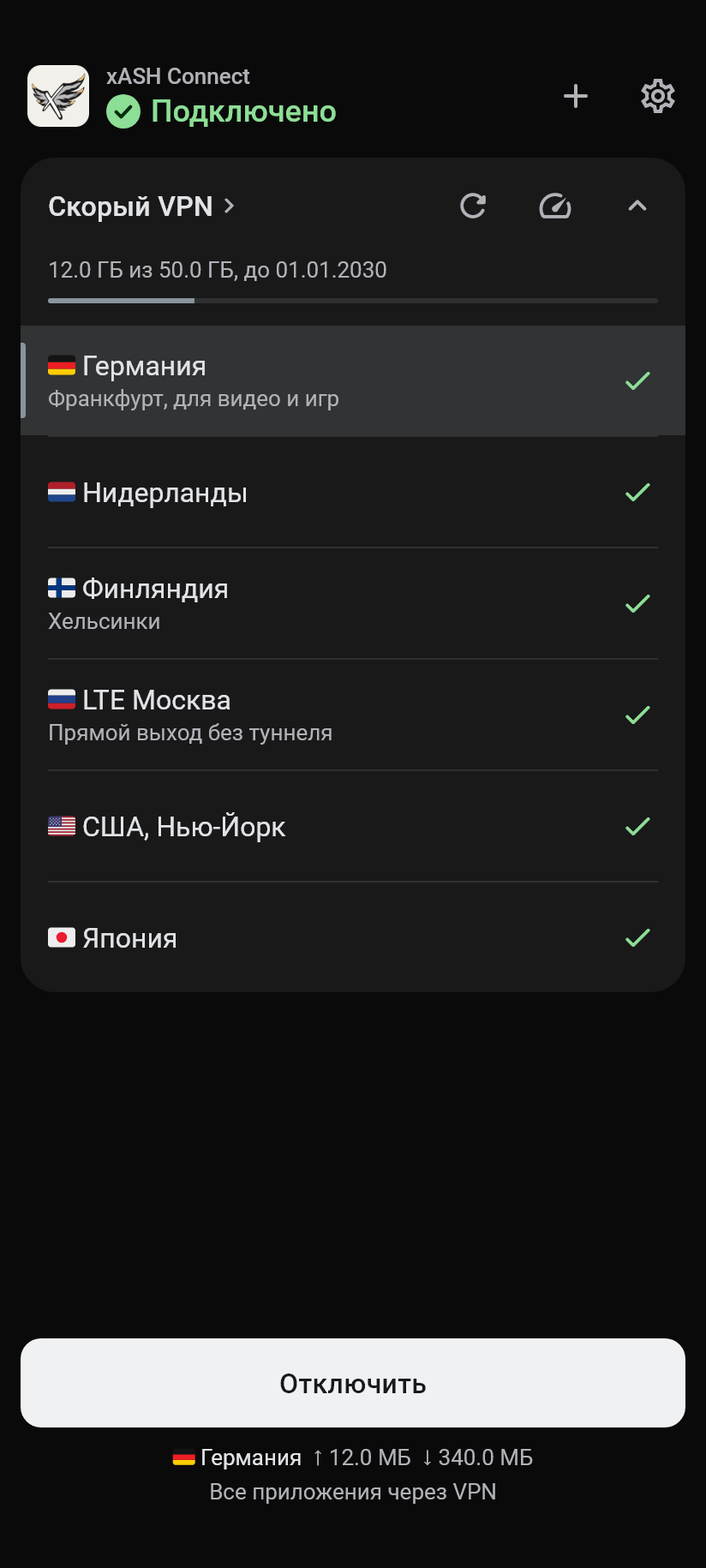
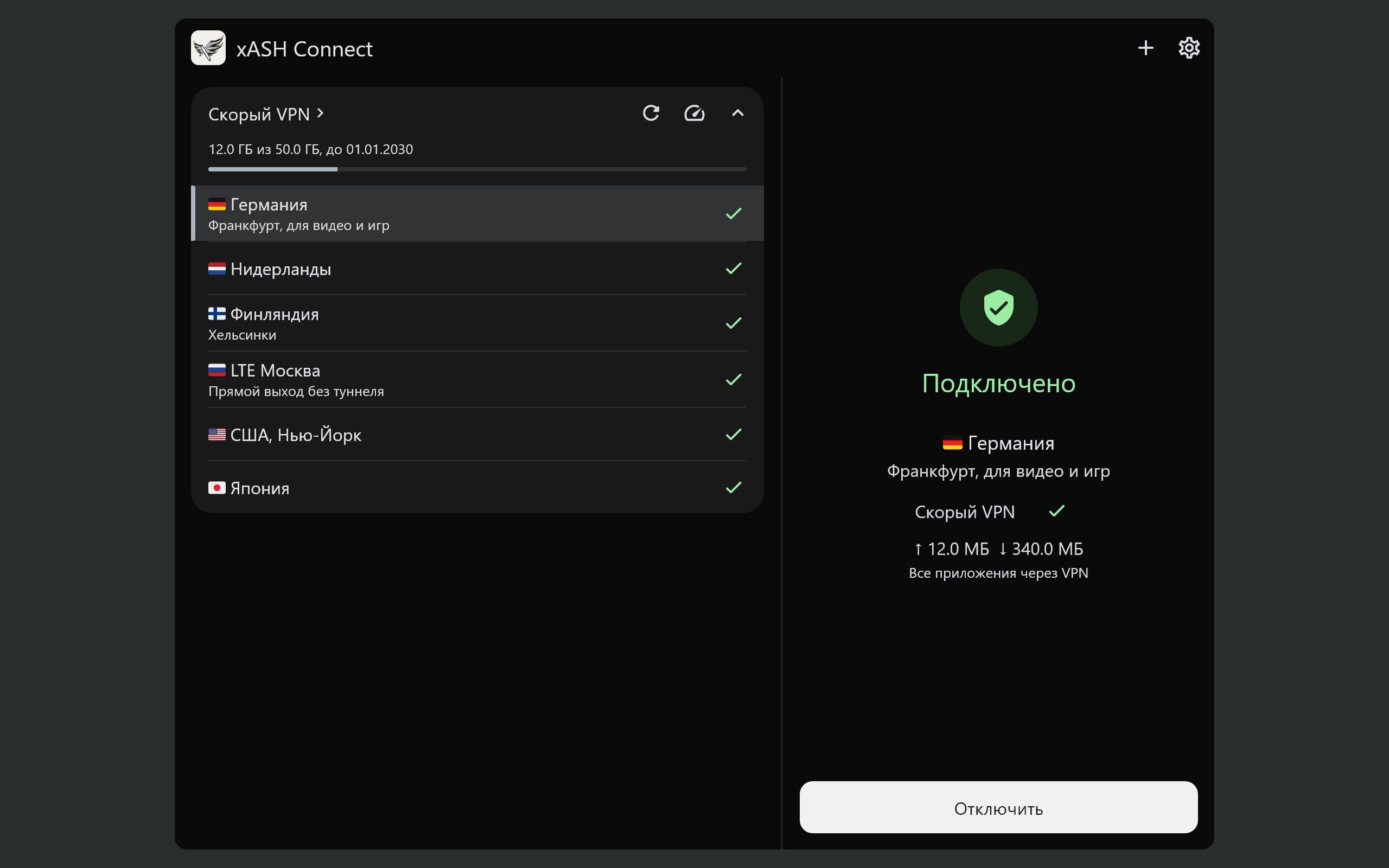
Switch servers without turning off the VPN
The VPN tunnel can stay up when you switch servers within a subscription. Connections through the previous server reconnect via the new one.
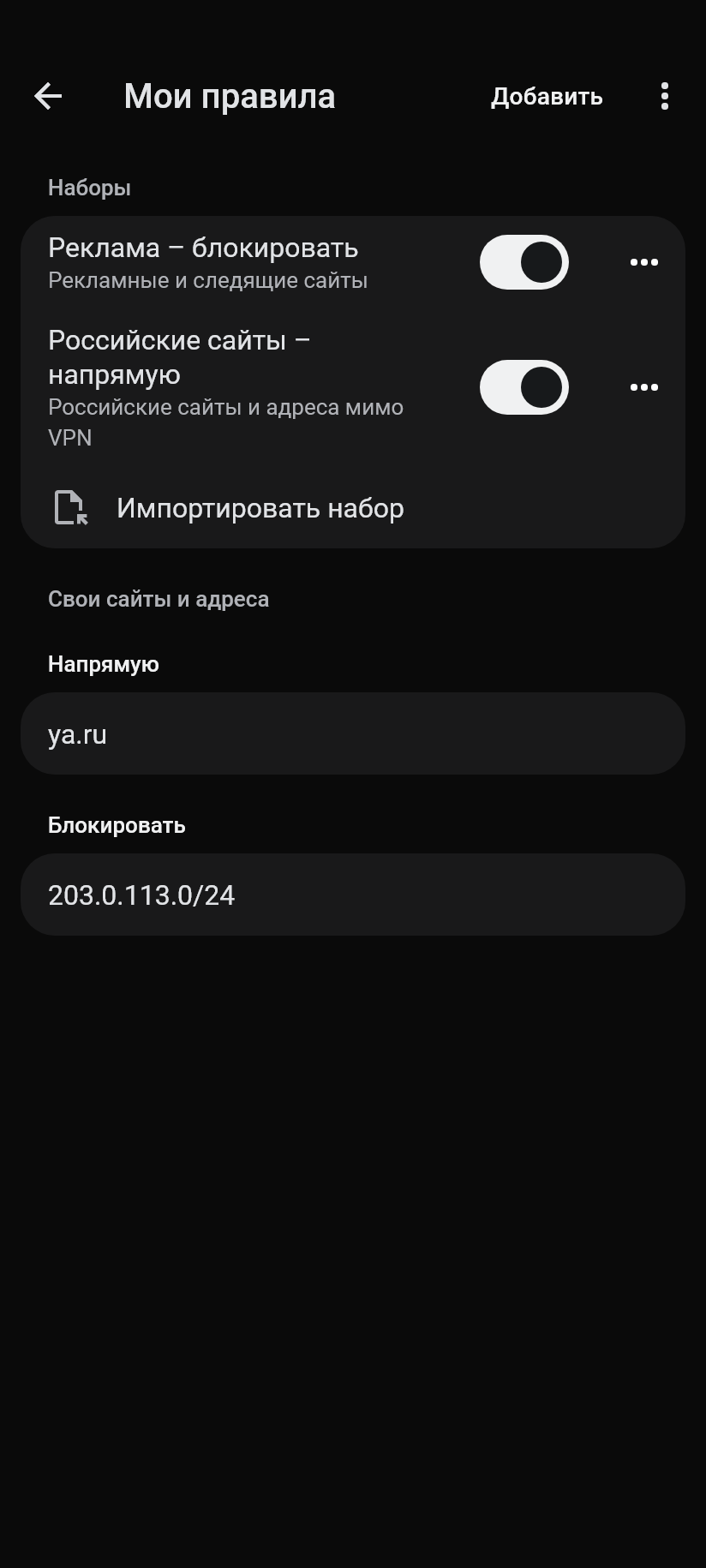
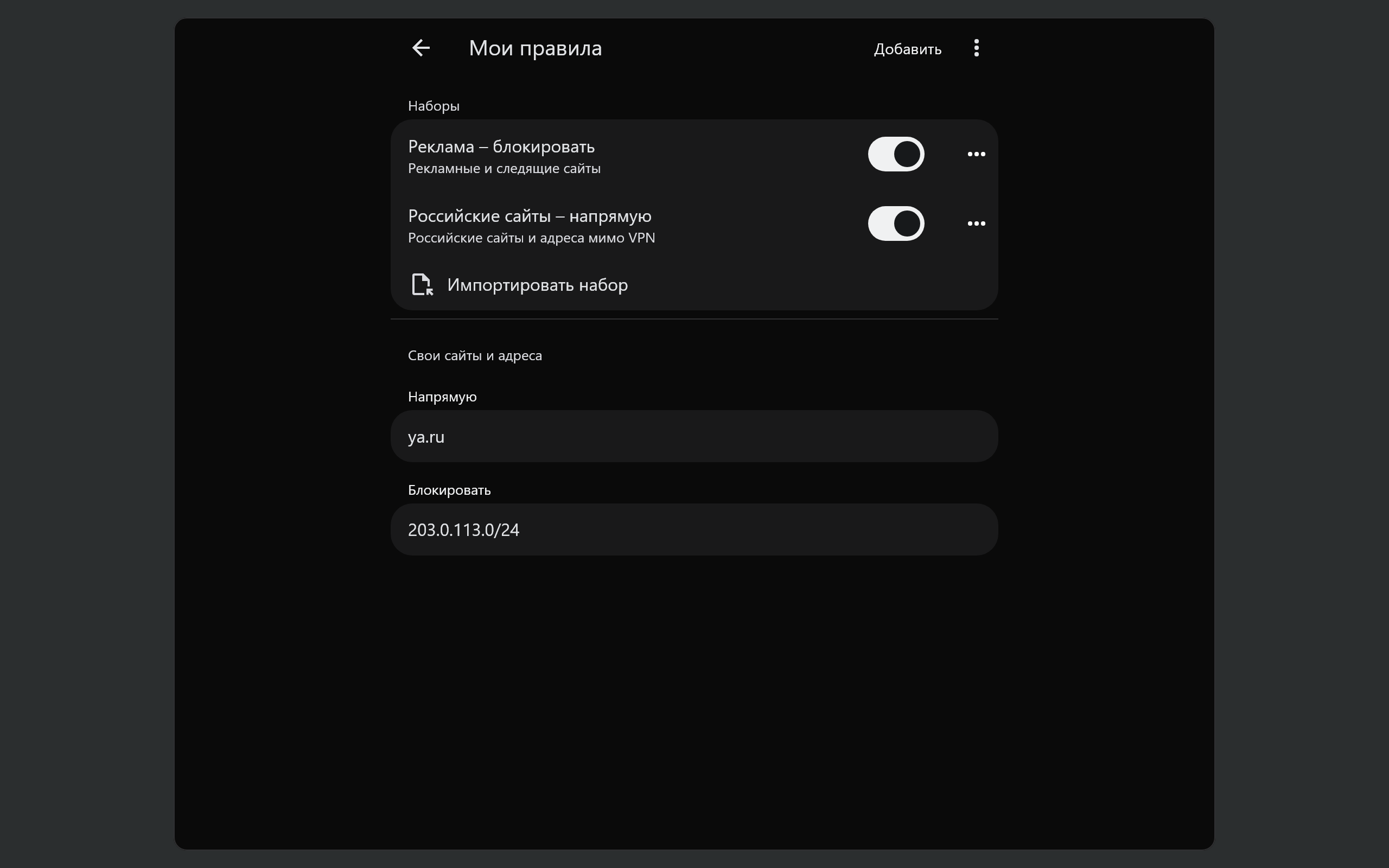
Rules for websites and IP addresses
For specific domains and IP addresses, send traffic directly, route it through the VPN or block it.
VPN for selected apps
For example, send your browser through the VPN and let other apps connect directly.
Multiple subscriptions
Add links from different providers and choose servers from your saved subscriptions.
In-app updates
Check for new versions and install them from within xASH Connect.
Get started
- Download the installer for your device and install xASH Connect.
- Copy your subscription link from your VPN provider and paste it into the app.
- Choose a server and tap or click Connect.
Frequently asked questions
Where do I get a subscription link?
Your VPN provider supplies the subscription and servers. Look for the subscription link in your provider's account dashboard or bot.
Does the installer work on Windows on Arm?
The Windows release is for PCs with Intel or AMD x64 processors.